Bring Your Videos Directly to Your Audience
Embed recordings where your audience already learns, works, and finds information. Copy the embed code from Screencastify and add a playable video to your online content.
.gif)
Millions of teachers & students use Screencastify to create amazing videos
Make Video Part of the Experience
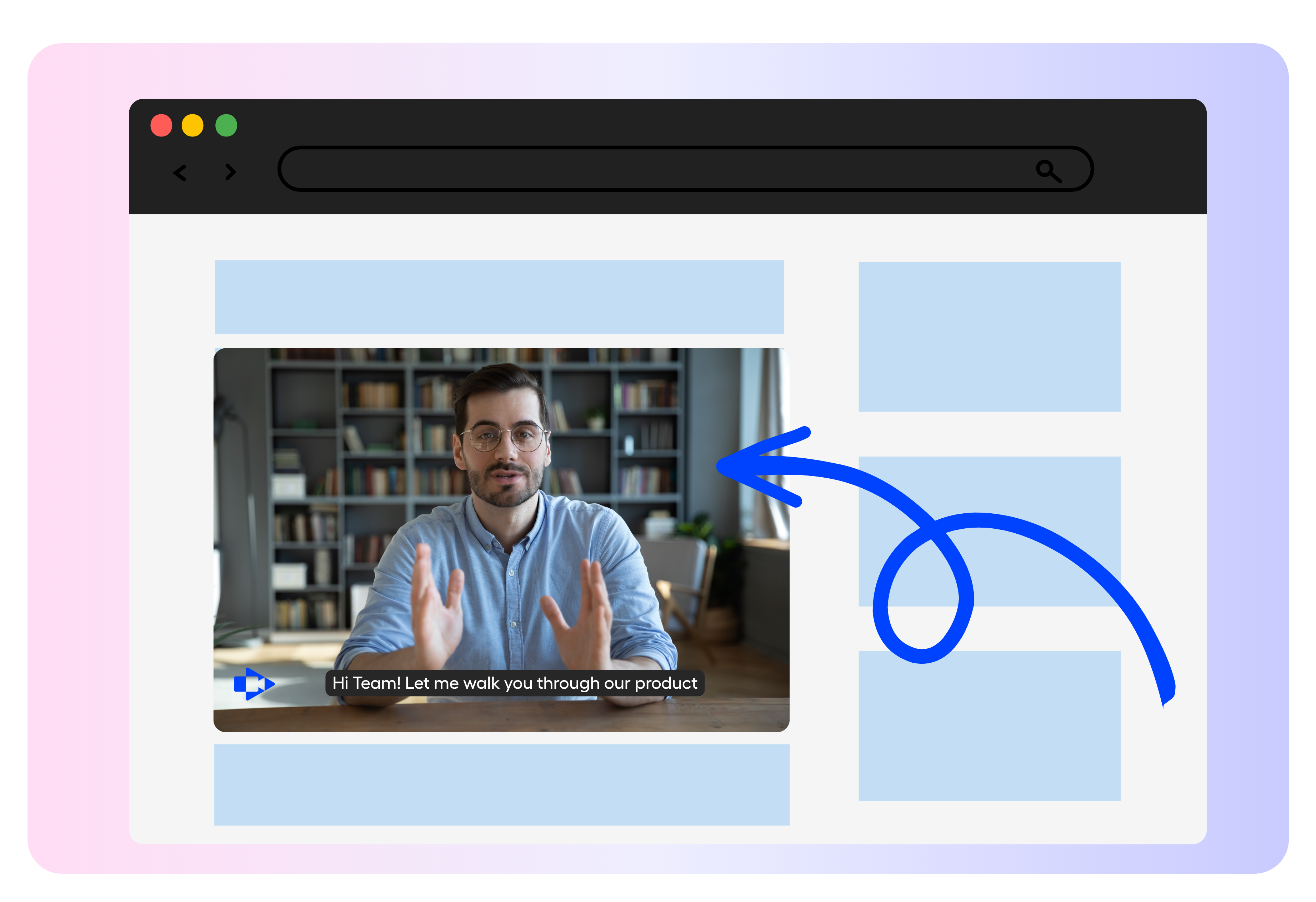
Place your recording alongside instructions, articles, lessons, or other supporting content. Help viewers see and understand information in one convenient location.
- Add demonstrations beside written directions
- Enhance pages with visual explanations
- Create a more connected viewing experience
Embed in a Few Simple Steps
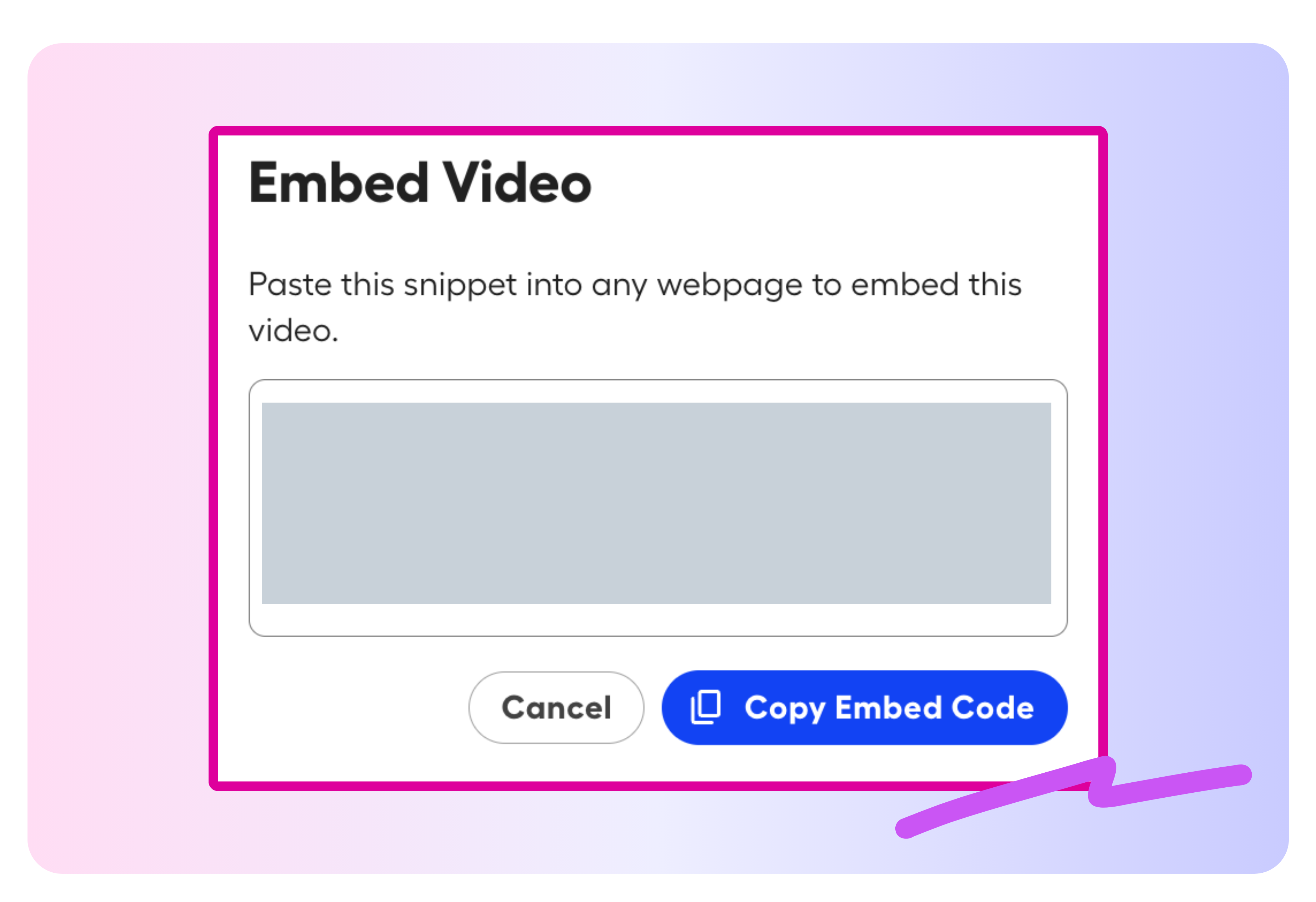
Generate an embed code from the Video Management Page and paste it into a website or blog that supports embedded HTML.
- Retrieve embed code from one central location
- Copy and paste the code into your page
- Avoid downloading and uploading video files manually
More features to try
There’s even more you can do with Screencastify. Explore these features to create, transform, and share engaging learning content:
- Castify Edit: Trim, enhance, and polish your recordings
- Submit AI: Collect video assignments from students with ease
- Transform: Turn videos into ready-to-use documents
- Content: Discover resources aligned with K–12 standards and YouTube content
.png)


Put Video Where Learning Happens

Enrich Online Lessons
Embed recorded instruction directly into class websites, lesson pages, and digital learning materials.

Clarify Assignments
Place video directions beside an activity so students can review expectations without leaving the page.

Create Reusable Resources
Build tutorials, demonstrations, and review materials that can support students across multiple classes.

Improve Family Communication
Add video explanations to school blogs and resource pages so families can access important information more easily.
Join millions of screencasters today
Screencastify Record is the simplest screen recording tool for educators, personal, or professional use.


.avif)
Frequently asked questions

Open the recording from your My Videos Library. On the Video Management Page, select Export Video, choose Get Embed Code, and copy the code into your website or blog.
You can add your video to websites, blogs, and other platforms that allow embedded HTML code. Recordings hosted through Google Drive or published to YouTube can also be embedded.
No. A locally saved recording is not hosted online, so it cannot be embedded. Save the video online or publish it to YouTube before adding it to another page.




.svg)