Create Together. Stay in Control.
Castify makes it easy to collaborate throughout the video workflow. Share individual videos or entire folders, invite contributors, and control what each person can do.
.gif)
Millions of teachers & students use Screencastify to create amazing videos
Keep Shared Content Organized
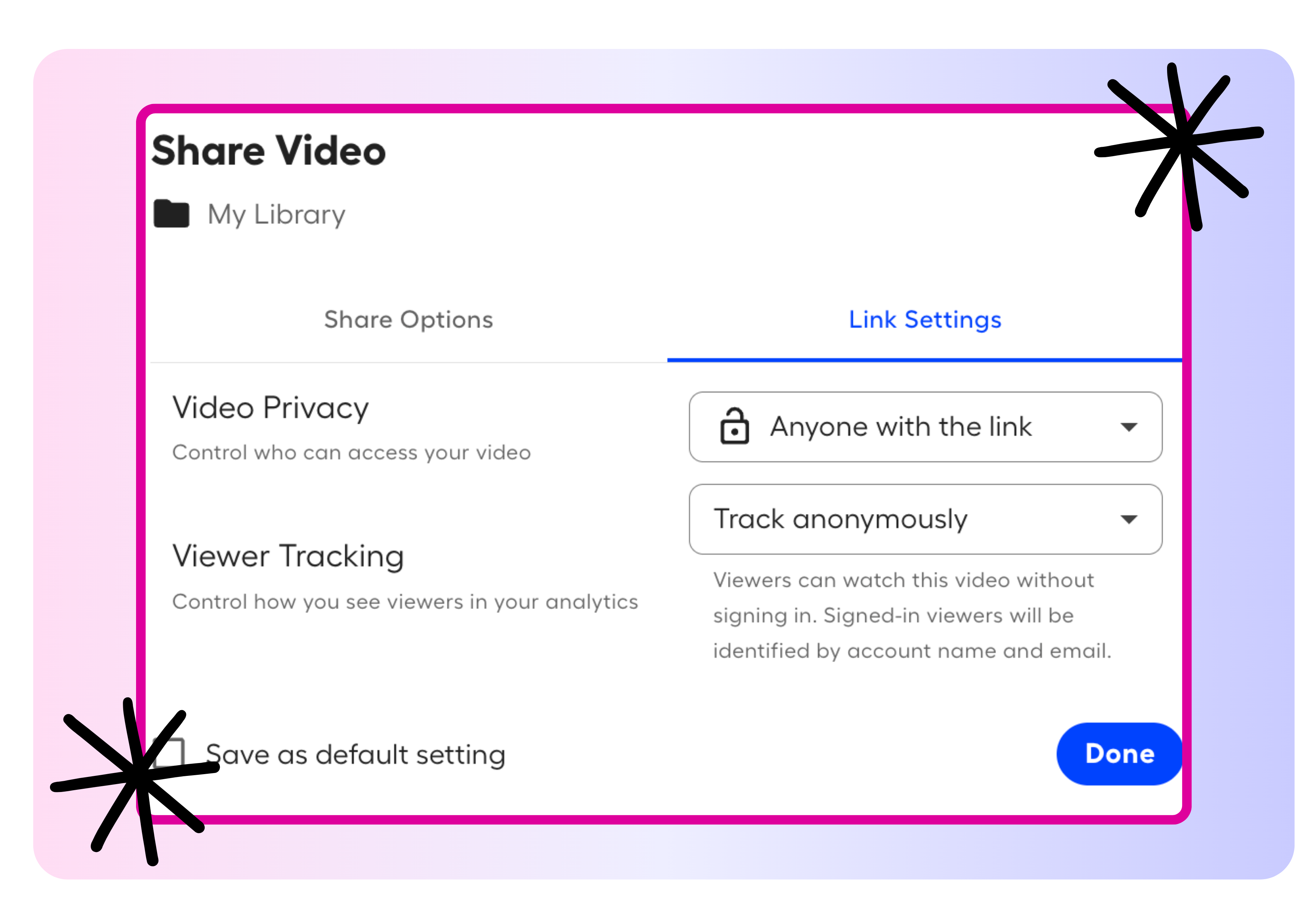
Build shared collections that make videos easy to find and use. Invite others to access an individual recording or share an entire folder at once.
- Share videos and folders through email invitations
- Organize resources by project, class, or topic
- Apply folder permissions to the videos inside it
Give Everyone the Right Level of Access
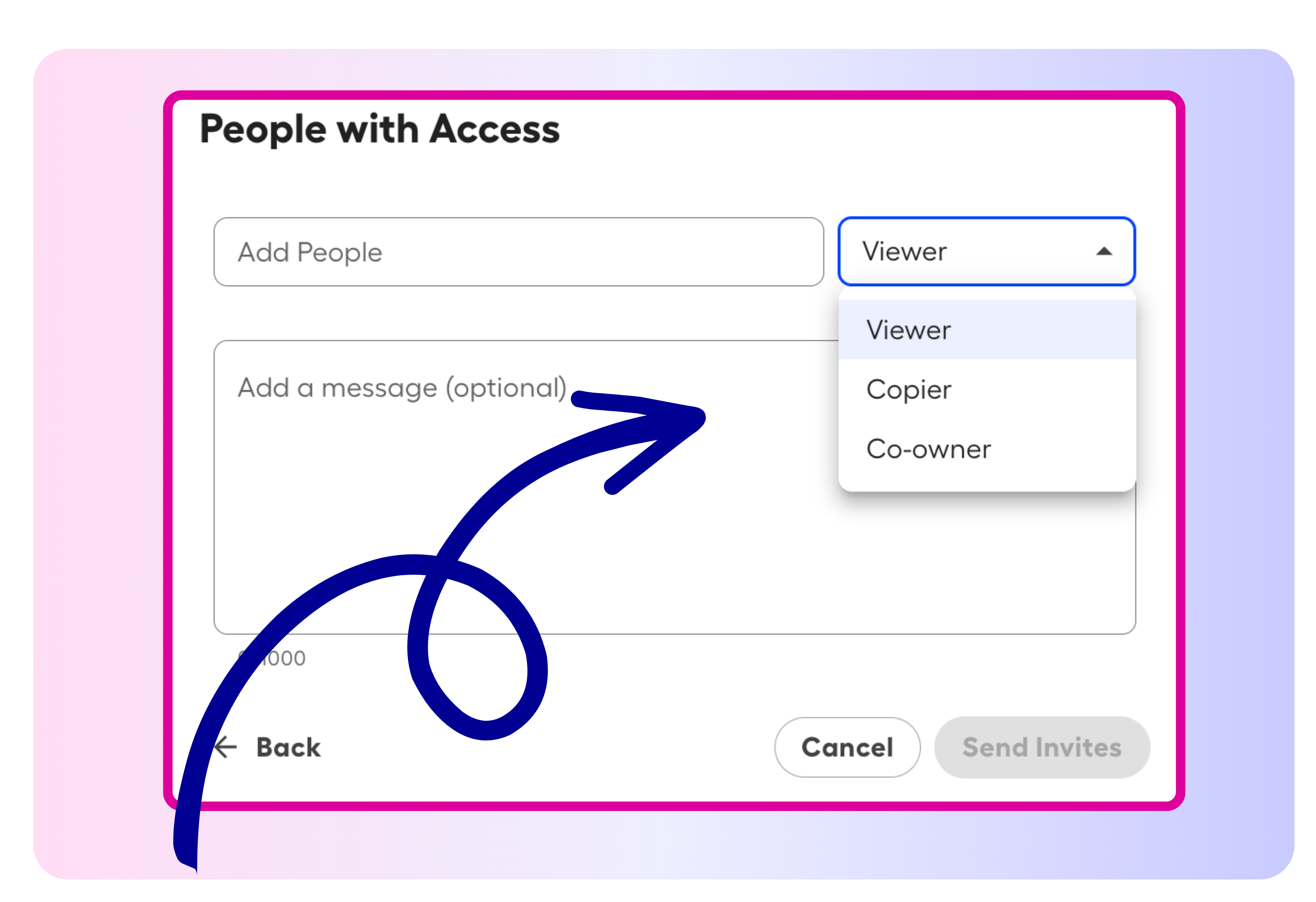
Choose permissions that match each person’s role in the workflow. Let teammates view, copy, contribute to, or co-own content while keeping control over important resources.
- Assign flexible collaboration roles
- Update access as responsibilities change
- Exchange feedback through video comments
Your video is just the beginning
With Castify, one recording can become so much more. Edit your video, collect student responses, transform recordings into documents, explore standards-aligned content, and collaborate—all in one place.
.png)


Make Video Collaboration Work for Every Classroom

Co-Create Learning Resources
Invite co-teachers and instructional teams to contribute to shared lessons, tutorials, and classroom videos.

Build Shared Video Libraries
Organize reusable content by subject, grade level, unit, or department so educators can find what they need quickly.

Review Submissions Together
Add reviewers to Castify Submit topics so co-teachers can view or help grade student video responses.

Encourage Peer Feedback
Allow students to view and comment on classmates’ submissions when collaborative review supports the assignment.
Join millions of screencasters today
Screencastify Record is the simplest screen recording tool for educators, personal, or professional use.

.avif)
Frequently asked questions

Castify includes Viewer, Copier, Contributor, and Co-Owner roles, allowing you to choose access ranging from viewing content to collaborating with full ownership permissions.
Yes. Share a folder by email and choose the appropriate access level. Videos within the folder inherit its sharing permissions.
Yes. Add reviewers as Viewers for read-only access or as Co-Owners who can view and grade submissions.



.svg)