Let Every Viewer Hear Your Message
Transform your video’s spoken content into multilingual audio with Screencastify AI Voice Over. Reach more viewers while keeping your original message clear and accessible.
.gif)
Millions of teachers & students use Screencastify to create amazing videos
Turn One Recording Into Multilingual Audio
Create your video once and use AI to generate translated narration. Spend less time producing separate recordings for every language your audience speaks.
- Repurpose one video for multilingual audiences
- Reduce the time spent recording alternate versions
- Keep communication consistent across languages

Give Viewers a More Flexible Experience
Allow viewers to listen to your content in the language that works best for them. Make lessons and presentations more approachable for audiences with different language needs.
- Help viewers follow spoken content more easily
- Support learning and communication across language barriers
- Create a more inclusive viewing experience
More features to try
There’s even more you can do with Screencastify. Explore these features to create, transform, and share engaging learning content:
- Castify Edit: Trim, enhance, and polish your recordings
- Submit AI: Collect video assignments from students with ease
- Transform: Turn videos into ready-to-use documents
- Content: Discover resources aligned with K–12 standards and YouTube content
.png)


Help Every Learner Hear and Understand

Support Multilingual Learners
Give everyone the option to hear lessons and instructions in a language they understand more comfortably.

Extend Learning Beyond the Classroom
Make recorded lessons easier for multilingual students and families to follow at home.

Reuse Lessons Across Languages
Adapt one recording for different language needs without creating and managing multiple versions.
Build Student Independence
Let learners choose audio that supports their understanding, helping them review content with greater confidence.
Join millions of screencasters today
Screencastify Record is the simplest screen recording tool for educators, personal, or professional use.
.png)
Frequently asked questions

An AI voice over uses artificial intelligence to create spoken narration for your video. Screencastify can generate translated audio so viewers can listen to your content in their preferred language.
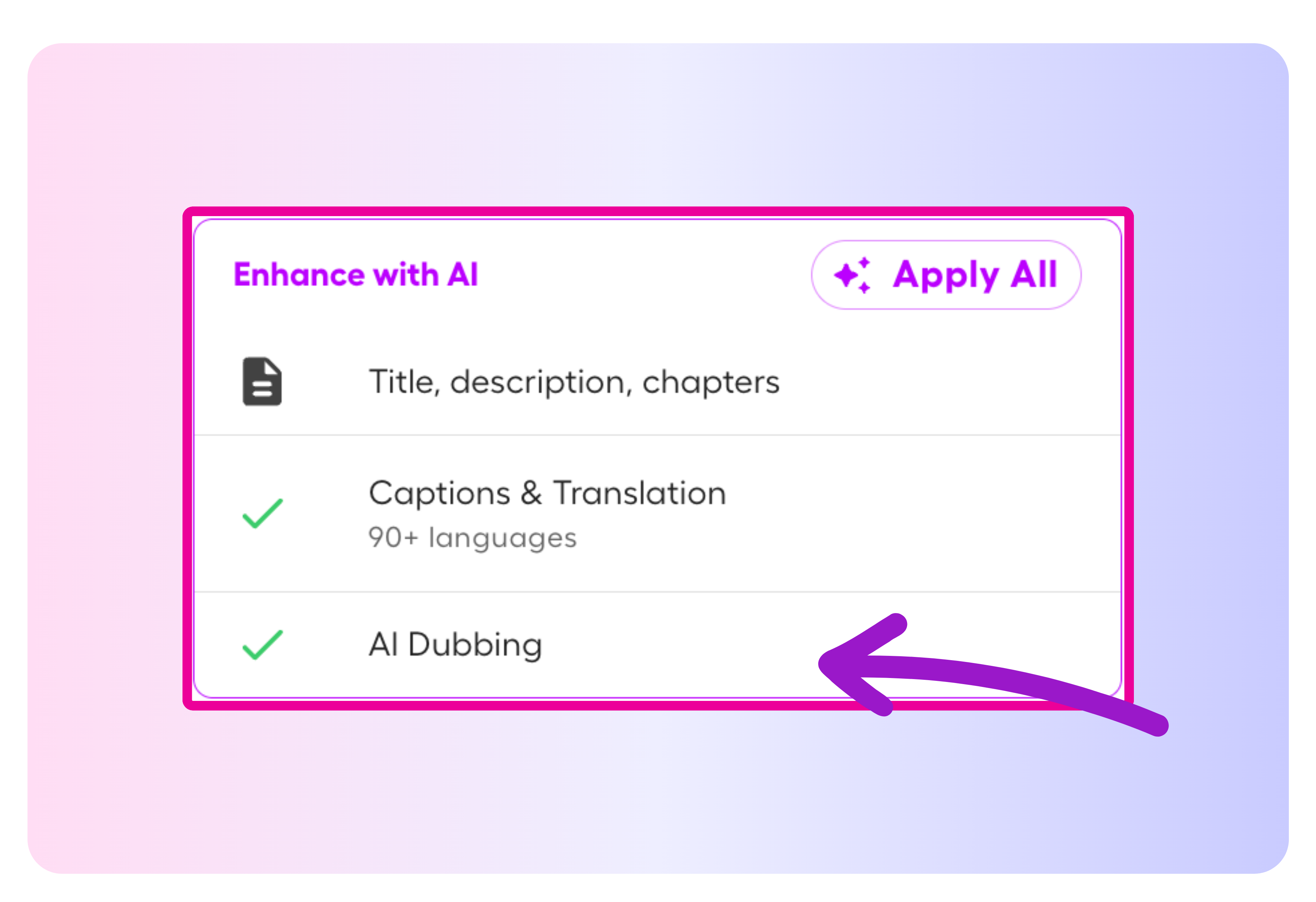
Enable captions for your video, select AI Voiceover from the Video Management Page, choose a language, and generate the new audio.
Captions must be enabled, and the video must be at least one minute long, contain more than 20 spoken words, and be shorter than 15 minutes.



.svg)