
Make Every Video Unmistakably Yours
Create a consistent experience from recording to playback with Custom Branding. Give every video a polished, recognizable look that reflects your organization.
.gif)
Millions of teachers & students use Screencastify to create amazing videos
Build Your Brand Into Every View
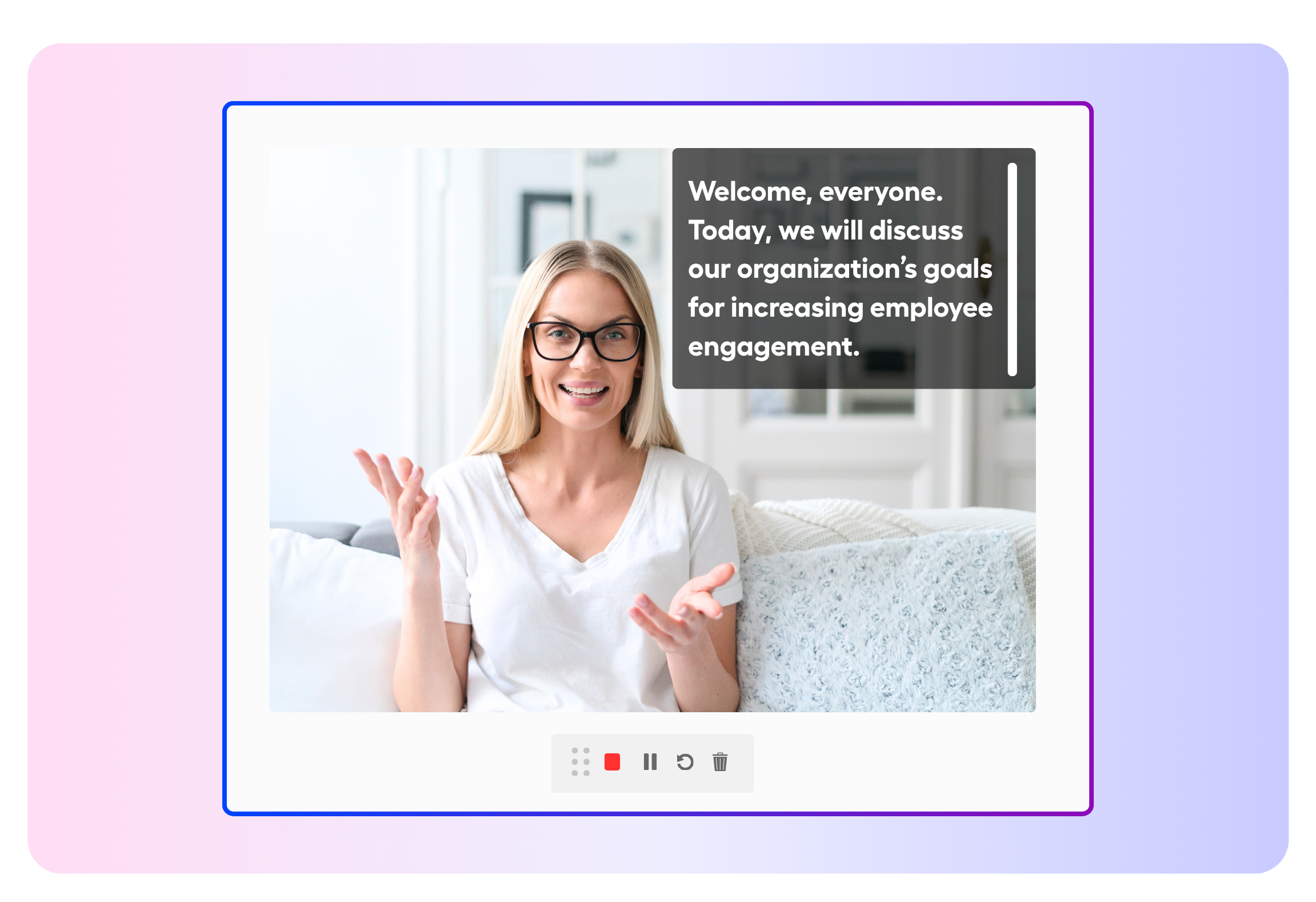
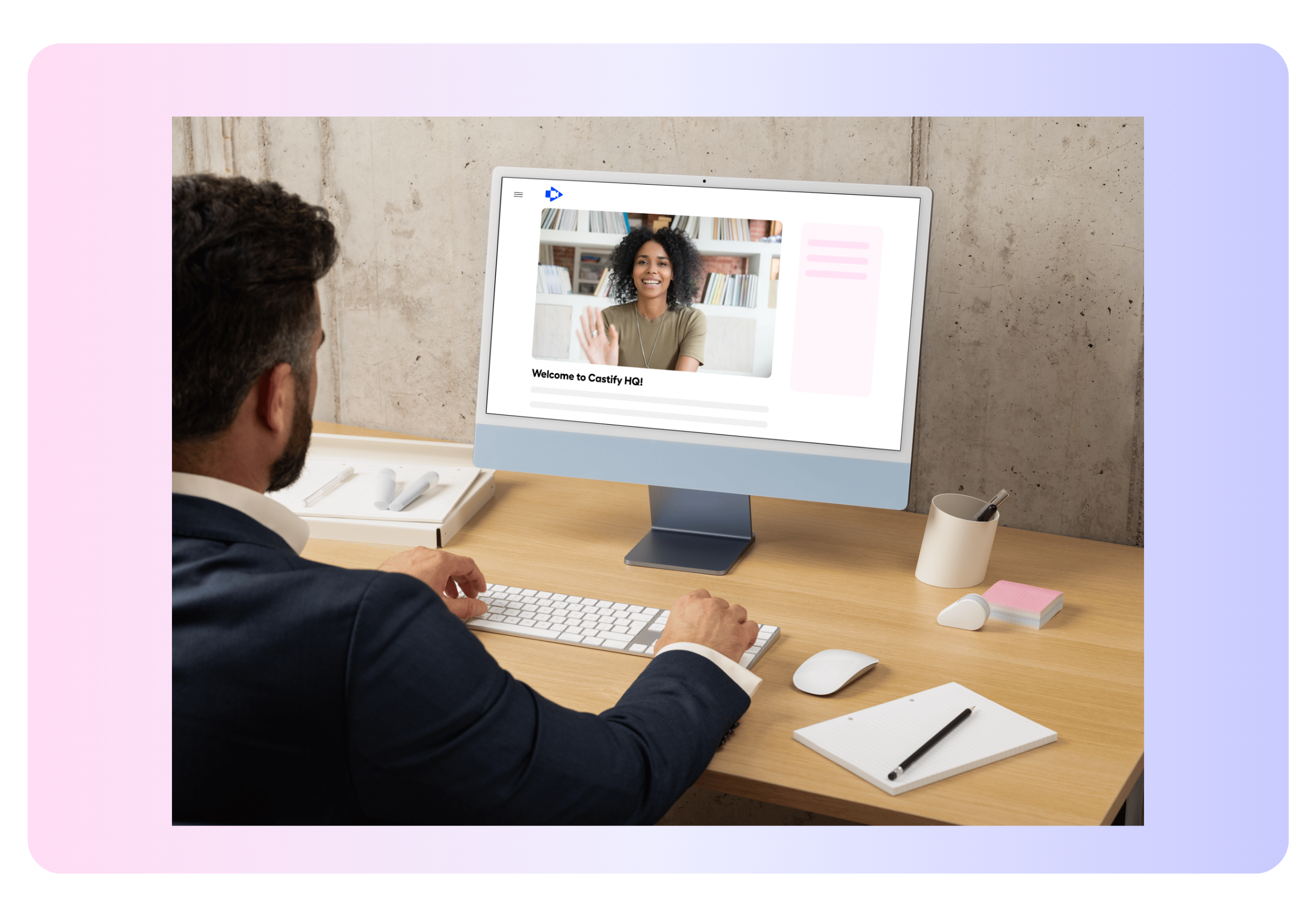
Create a familiar experience before viewers even press play. Carry your organization’s visual identity across Watch Pages, webcam recordings, and shared videos.
- Welcome viewers with your logo
- Give creators professional branded backgrounds
- Reinforce your identity wherever videos are shared
Set the Standard Once
Let administrators manage branding centrally so creators can focus on their message. Reduce manual design work while keeping content consistent across your organization.
- Upload approved brand assets in one place
- Give teams ready-to-use visual options
- Maintain consistency without extra editing
More features to try
There’s even more you can do with Screencastify. Explore these features to create, transform, and share engaging learning content:
- Castify Edit: Trim, enhance, and polish your recordings
- Submit AI: Collect video assignments from students with ease
- Transform: Turn videos into ready-to-use documents
- Content: Discover resources aligned with K–12 standards and YouTube content
.png)


Create a Consistent Video Experience

Brand Every Lesson
Display your logo on the Watch Page so everyone can immediately recognize the source.

Provide Video-Ready Backgrounds
Give everyone approved webcam backgrounds that create a polished setting wherever they record.

Keep Shared Content Recognizable
Apply a video watermark so your organization’s identity stays visible when recordings travel beyond their original audience.

Support District-Wide Consistency
Use centrally managed branding to help videos from different schools, departments, and educators feel connected.
Join millions of screencasters today
Screencastify Record is the simplest screen recording tool for educators, personal, or professional use.
.avif)
.avif)

Frequently asked questions

Administrators can add an organization logo to the Watch Page, upload approved backgrounds for webcam recordings, and apply custom video watermarks.
No. Administrators manage branding centrally, reducing repetitive setup and helping creators produce consistent videos with less editing.
Yes. Administrators can upload branded backgrounds that creators can select while making webcam recordings.




.svg)