Collect Videos. Understand Learning.
Castify Submit AI turns video collection into a streamlined assessment workflow. Invite learners to show what they know, then use AI-powered tools to review their work and decide what comes next.
.gif)
Millions of teachers & students use Screencastify to create amazing videos
Collect Every Response in One Organized Place
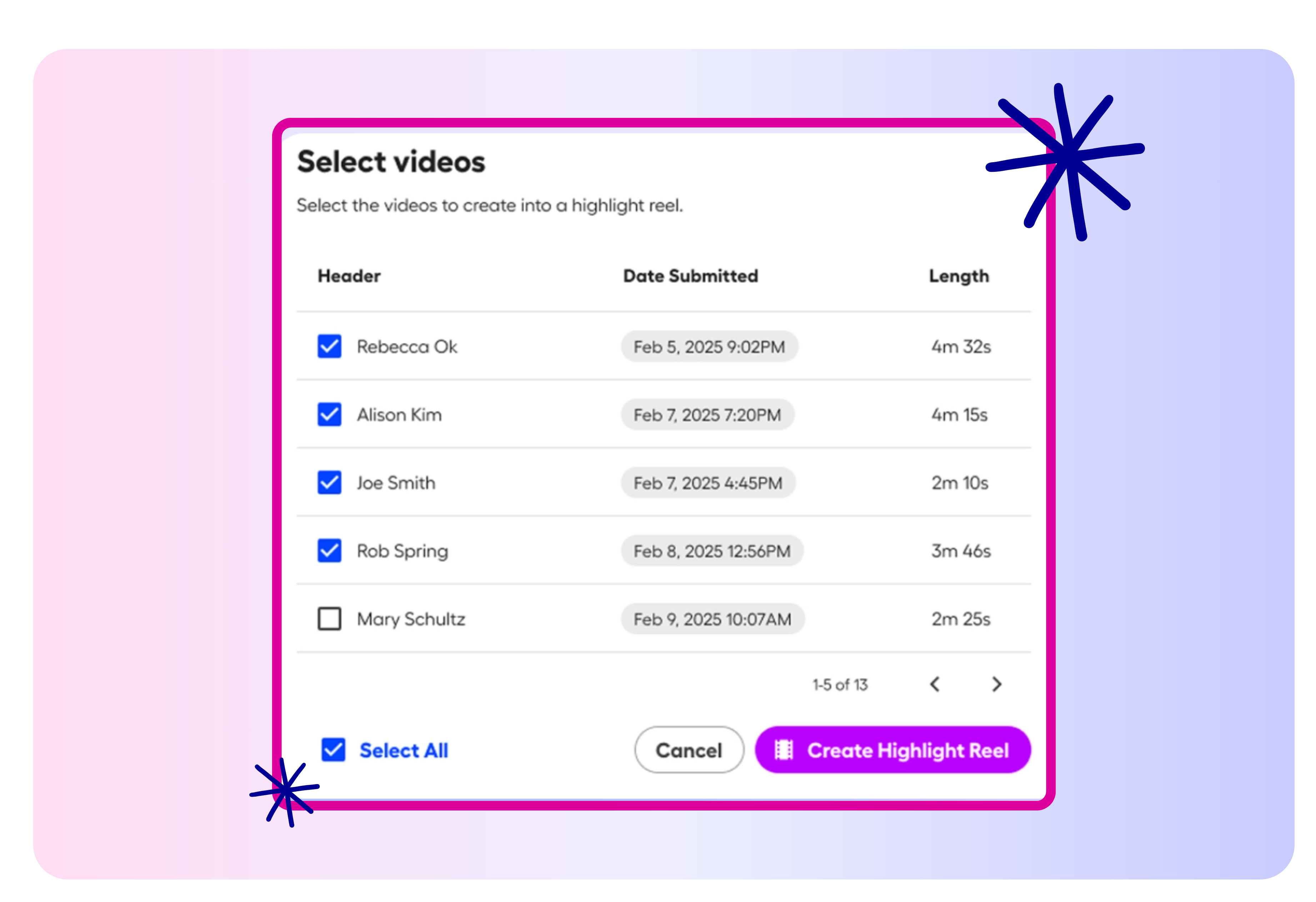
Create a Submit topic, share a simple link, and receive video responses through a centralized dashboard. Keep assignments and submissions together without managing scattered files.
- Create custom prompts and recording instructions
- Collect video submissions through a shareable link
- Review and manage responses from one central hub
Move From Submission to Feedback Faster
Use optional AI tools to support grading, coaching, and instructional planning. Spend less time on administrative work and more time helping learners improve.
- Receive suggested scores with clear reasoning
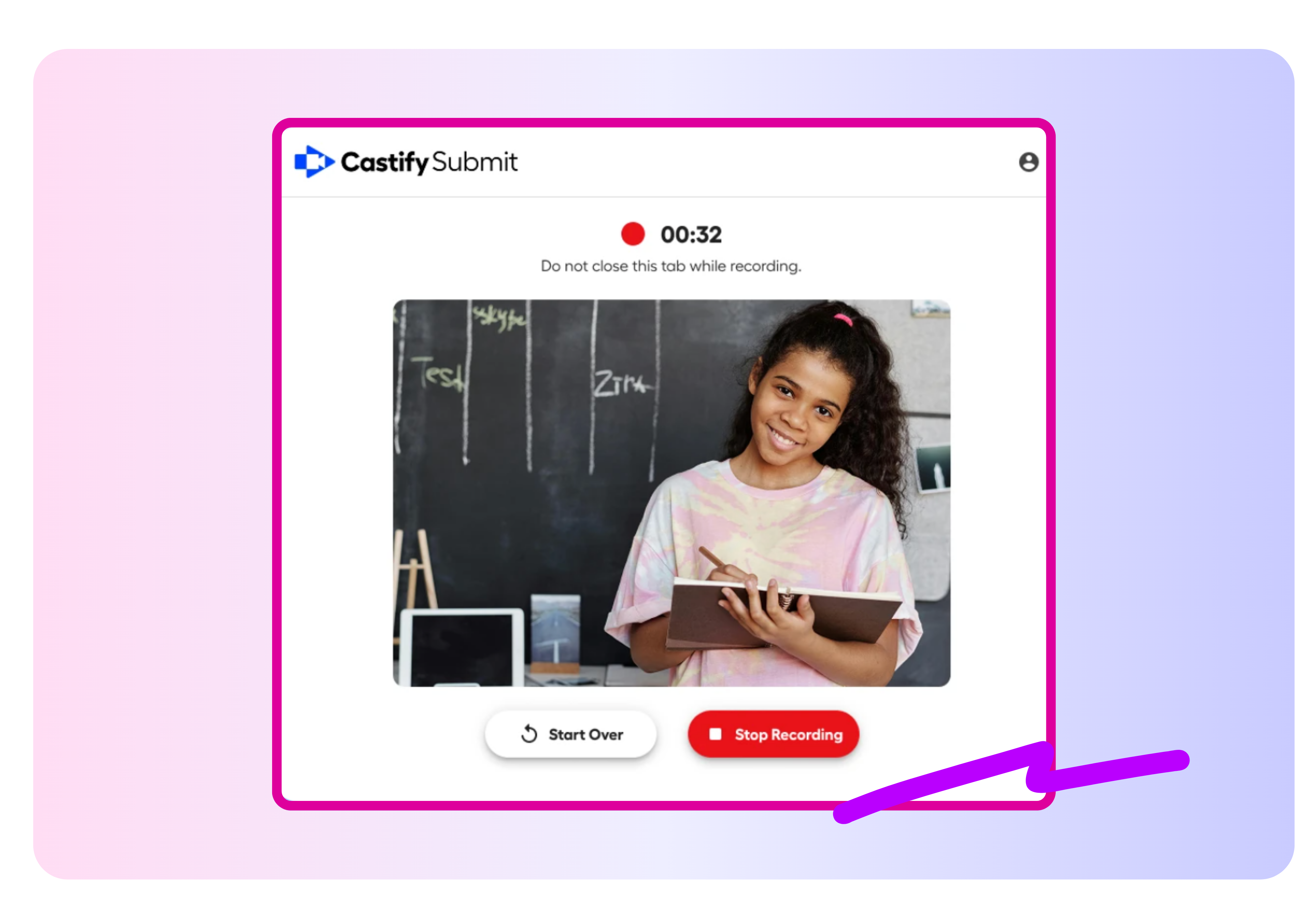
- Give learners actionable feedback on draft recordings
- See cohort strengths, challenges, and recommended next steps
Your video is just the beginning
With Castify, one recording can become so much more. Edit your video, collect student responses, transform recordings into documents, explore standards-aligned content, and collaborate—all in one place.
.png)


Save Time with Castify Submit AI

Assess Authentic Understanding
Let students explain ideas, demonstrate skills, and show their thinking through video instead of relying only on written responses.
Coach Before the Final Submission
Give students instant, personalized guidance on draft recordings so they have time to reflect, revise, and improve.

Grade With Greater Consistency
Use AI-generated rubrics and suggested scores to apply clear criteria across every video submission while keeping the final decision in your hands.
Plan Your Next Instructional Step
Review class-wide summaries to identify strengths, common challenges, and topics that may need to be taught again.
Join millions of screencasters today
Screencastify Record is the simplest screen recording tool for educators, personal, or professional use.

Frequently asked questions

Each feature is optional. You can use AI-generated rubrics without AI grading or enable captions and translations independently based on your workflow.
Yes, if you enable rubric visibility. Students can review the rubric alongside the assignment instructions before they begin recording.
Submit AI provides a suggested score and an explanation based on your rubric. You can review, edit, and finalize the grade before sharing it with the learner.



.svg)